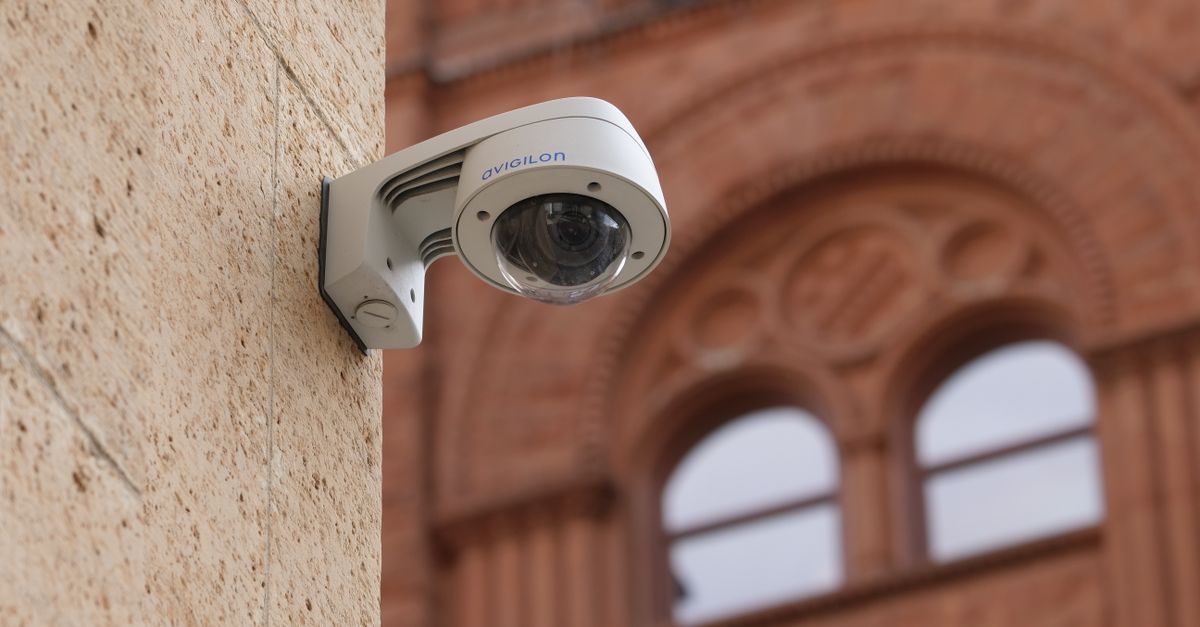
How to Regularly Update Security Patches for Your CCTV Cameras
Table Of Contents
Creating a Regular Maintenance Schedule
Establishing a regular maintenance schedule is crucial for ensuring the longevity and reliability of your CCTV cameras. Start by identifying all the cameras in your system, including their models and locations. This inventory will help track which cameras require updates and maintenance checks. A consistent schedule can include monthly, quarterly, and bi-annual reviews. During these reviews, inspect the physical condition of each camera, checking for any signs of wear or environmental damage. Document these inspections to maintain a comprehensive system history.
Set aside specific times for maintenance tasks, such as updating firmware and cleaning camera lenses. Regularly checking for software updates not only enhances security but also improves functionality. Alongside these tasks, it is essential to involve multiple team members in the maintenance process. This approach ensures accountability and provides additional perspectives on potential issues. Training staff on the importance of adherence to this schedule will further enhance the effectiveness of your CCTV system’s security measures.
Best Practices for Routine Checks
Regular routine checks play a critical role in maintaining the functionality and security of your CCTV cameras. Inspecting camera connections and ensuring they are securely mounted helps avoid issues caused by environmental factors. Checking the alignment and focus of cameras enhances their effectiveness in capturing clear images. Additionally, assessing the cables for signs of wear or damage can prevent connectivity problems, ensuring proper functionality.
Another important aspect to consider is software version management for your CCTV system. Keeping track of the software versions across all devices helps identify which cameras may need updates. Documenting any discrepancies allows for a more streamlined upgrade process, reducing the chances of overlooking any devices during maintenance. Regularly reviewing footage saved by the system also assists in identifying potential blind spots or scenes where camera coverage may need adjusting, further bolstering the overall security setup.
Backing Up Your CCTV System
Regular backups of your CCTV system are crucial to maintaining data integrity. These backups ensure that in case of hardware failure or accidental data loss, you can quickly restore your recordings and configuration settings. It is advisable to keep backups on a separate storage device or a cloud-based service to prevent any risk of simultaneous data loss. Automated backup solutions can simplify this process. Scheduling these backups at off-peak times can help minimise disruptions to system performance.
Before proceeding with any updates, verifying that a recent backup exists is essential. This practice helps mitigate the risks associated with software updates. If an update fails or causes issues with the system, having a backup allows for immediate recovery without significant downtime. Regularly reviewing your backup procedures ensures they are effective and up to date, providing peace of mind in case of unexpected incidents.
Ensuring Data Safety Before Updates
Prior to implementing software updates, it is crucial to secure all existing data. This step ensures that all recorded footage and settings are preserved in case of any complications during the upgrade process. Utilising external storage devices or cloud-based solutions provides an added layer of protection against data loss. Regularly scheduled backups can safeguard against unexpected failures.
In addition to creating backups, maintaining detailed documentation of system configurations can aid in the restoration of settings if necessary. It is advisable to keep a log of recent updates and system changes to assist in troubleshooting any issues that may arise. By taking these precautions, users can minimise risks and ensure a smooth updating experience for their CCTV systems.
Troubleshooting Common Update Issues
Encountering issues during the update process is not uncommon. Factors such as unstable internet connections or compatibility problems with existing software could hinder successful installations. Identifying the root of the problem is essential. Begin by checking your internet connection and ensuring your CCTV system's firmware is compatible with the latest patch. Reviewing error messages can provide insight into specific issues that need addressing.
Should the update fail, restarting both the CCTV system and your router can often resolve connectivity problems. In cases where the problem persists, visiting the manufacturer's support website may uncover additional troubleshooting steps or updates specifically tailored for your model. Engaging with community forums may also yield valuable advice from other users who have faced similar challenges.
Solutions for Failed Updates
When encountering issues with failed updates for your CCTV cameras, the first step is to check the system's error messages. These messages can provide critical information to identify what went wrong. Restarting the camera and attempting the update again may resolve transient issues. Ensure that your internet connection is stable, as a disrupted link can often lead to interrupted updates. If the problem persists, consult the manufacturer's website for troubleshooting guides specific to your model.
Another effective method is to revert to the previous firmware version if available. This can often restore functionality while waiting for a resolution. It is also worthwhile to engage with online forums or customer support for additional insights, as other users may have experienced similar challenges. Keeping track of the update history in your maintenance logs can aid in diagnosing recurring problems, allowing for informed decisions on the timing and method of future updates.
FAQS
Why is it important to regularly update security patches for my CCTV cameras?
Regular updates help protect your CCTV cameras from vulnerabilities that could be exploited by cybercriminals. They ensure that your system remains secure and efficient, providing you with peace of mind regarding your surveillance footage.
How often should I schedule security updates for my CCTV system?
It's recommended to check for updates at least once a month. However, you should also monitor your manufacturer's website for any urgent patches that may be released outside of this schedule.
What should I do before performing a security update on my CCTV cameras?
Before updating, it's essential to back up your CCTV system to ensure that you don't lose any important data. Additionally, ensure that your cameras are not recording during the update process to avoid any interruptions.
What can I do if a security update fails?
If a security update fails, try rebooting the camera and attempting the update again. If the problem persists, consult the manufacturer’s support resources or troubleshooting guides for specific solutions.
Are there any best practices for routine checks on my CCTV cameras?
Yes, besides updating security patches, you should regularly inspect the physical condition of your cameras, check their functionality, and ensure that the recording and storage systems are working correctly.
Related Links
Best Practices for Keeping Your CCTV Software SecureUnderstanding the Importance of Software Updates for CCTV Systems in Perth
How Outdated Software Can Compromise CCTV Security in Perth
Common Myths About CCTV Software Maintenance Debunked
The Benefits of Automating Security Patches for Your CCTV Setup